How do you compare a PDF with a Word file in the browser?
Compare PDF vs DOCX in AlineaDoc without converting files first: mixed formats stay in your tab and files are not uploaded to a third-party server.
Ready to try it? Open the in-browser document comparator (/app). You can start without an account. Files are not uploaded to a third-party server.
Why mixed PDF and Word is the usual contract path
Teams negotiate in Word and circulate an “execution” PDF. Comparing those two files in a cloud converter creates an extra data-processing event you do not need.
AlineaDoc reads both formats in the browser so you can compare Word documents privately against the PDF you were asked to sign.
How to run the mixed-format diff
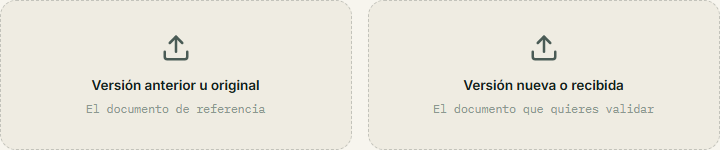
Open the comparator and drop each file into its zone.
- Original DOCX or PDF on the left; the other format on the right.
- Review modified figures before you accept moved clauses as equivalent.
- Keep DevTools Network open if you want to check that files are not uploaded to a third-party server.
Frequently asked questions
Can I compare PDF vs DOCX without converting either file?
Yes. AlineaDoc accepts PDF and DOCX in any combination. Parsing and alignment run in the browser with the browser. You do not upload a converted copy to a third-party converter.
Is the mixed-format comparison uploaded to a server?
No. Files are not uploaded to a third-party server. In-browser processing stays in the tab. Use the Verify Privacy walkthrough on /app if you want to watch the Network panel during the diff.
Do I need Microsoft Word installed?
No. The DOCX is read in the browser. You do not need a Word license for the review step. Exporting an editable redline back into Word is a different job; AlineaDoc is for deciding whether the PDF matches the draft.